
The LinkEase plugin lets you shorten links and add QR codes inside WordPress with a shortcode. Install it in four steps.
What you need
- Plan: Pro or Team (the API is not on Free)
- Time: 5 minutes
- A WordPress site where you can install plugins, and your API key (see Create an API key).
Download the plugin
Open Integrations, then WordPress. Press Download Plugin (1). You get the file
linkease-wordpress.zip.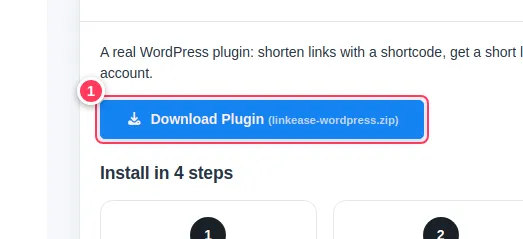
Install and activate
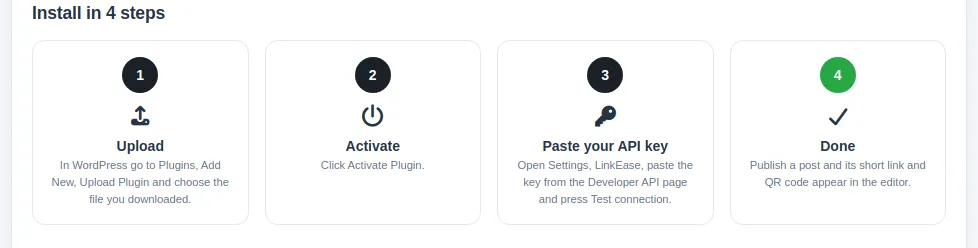
In WordPress go to Plugins, Add New, Upload Plugin and choose the file you downloaded (1). Press install, then Activate Plugin (2).
Paste your API key
In WordPress open Settings, LinkEase, paste your key from the Developer API page, and press Test connection.
Use the shortcodes
Publish a post and its short link and QR code appear in the editor. You can also type these shortcodes anywhere in a page:
[linkease url="https://example.com/page"][linkease_qr url="https://example.com/page" size="200"]The first gives a short link for any address; the second a QR code image, with the size in pixels.

Common problems
Test connection fails.
Check that the key was pasted whole, with no spaces, and that your plan includes the API.
The plugin upload is refused.
Upload the zip file itself, without unzipping it.