
Download your statistics as a CSV file to open in Excel or Google Sheets, for a report or for your accountant.
What you need
- Plan: Pro plan
- Time: 3 min
Step by step
Open Statistics
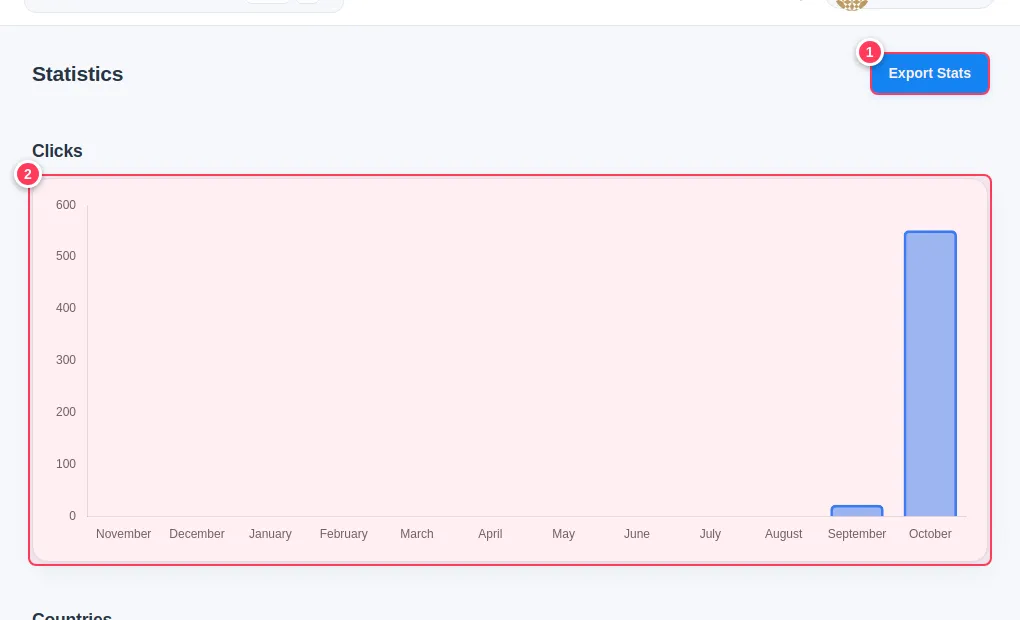
Choose Statistics in the side menu. This page covers all your links.
- 1Press Export Stats (top right).
- 2The chart above the maps shows clicks by month.
Choose the dates and export
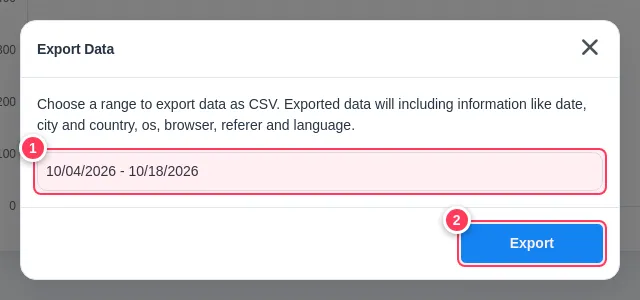
- 1Pick the date range.
- 2Press Export.
The CSV file includes the date, city and country, operating system, browser, referrer and language of each click.
Export one link
To export a single link, press its three dots on the Links page and choose Export Statistics. Campaign statistics also have an Export Stats button.
Tip: Open the file in Google Sheets with File, Import. Arabic text is kept as is.
Common problems
The Export button is missing.
Export is a Pro feature.
The file is empty.
There are no clicks in the date range you picked. Widen it.