
The AI assistant lets you manage LinkEase by simply asking in a chat, in Arabic or English. You connect Claude, ChatGPT or a coding tool once, then say what you want.
What you need
- Plan: Every plan. Free includes 200 actions to try
- Time: 3 minutes to read
What it can do
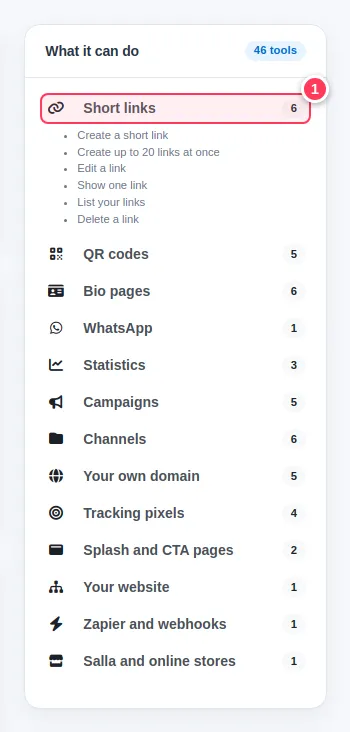
It has 46 tools in 13 groups. The page lists them (1): short links, QR codes, bio pages, WhatsApp links, statistics, campaigns, channels, your own domain, tracking pixels, splash and CTA pages, your website, Zapier and webhooks, and online store links.
Open the AI assistant page
Click AI Assistant in the menu. At the top you see your balance, then your personal link, the steps for each app, and the list of what it can do.
Just ask
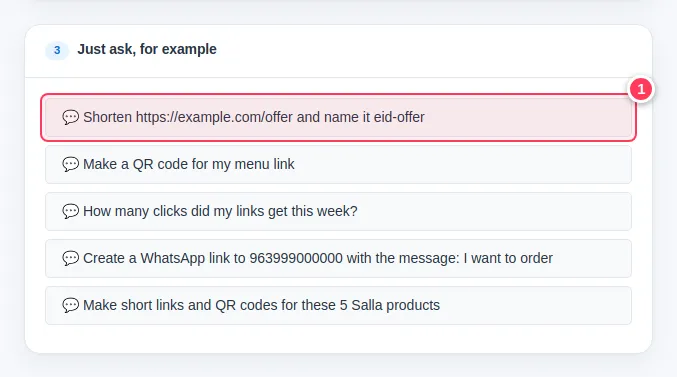
After you connect an app (see connect Claude or ChatGPT), write a normal sentence (1). For example:
- Shorten https://example.com/offer and name it eid-offer
- Make a QR code for my menu link
- How many clicks did my links get this week?
- Create a WhatsApp link to 963999000000 with the message: I want to order
Tip. Each action counts as one AI action. The next articles explain the balance and what is refused.
Common problems
Do I need to know any code?
No. For Claude.ai and ChatGPT you only paste one link. Code snippets are for coding tools.
Will it delete things by mistake?
The assistant is told to ask for your confirmation in the conversation before it deletes anything.