
Switch LinkEase between Arabic and English, and between light and dark. Both take one click.
What you need
- Plan: Any plan
- Time: 1 minute
Language
Open the language list
Scroll to the bottom of any page. Press the globe icon (1) next to the footer links, then choose العربية or English (2). The page reloads in that language.

You can also add /en or /ar at the start of a page address.
Dark mode
Press the moon
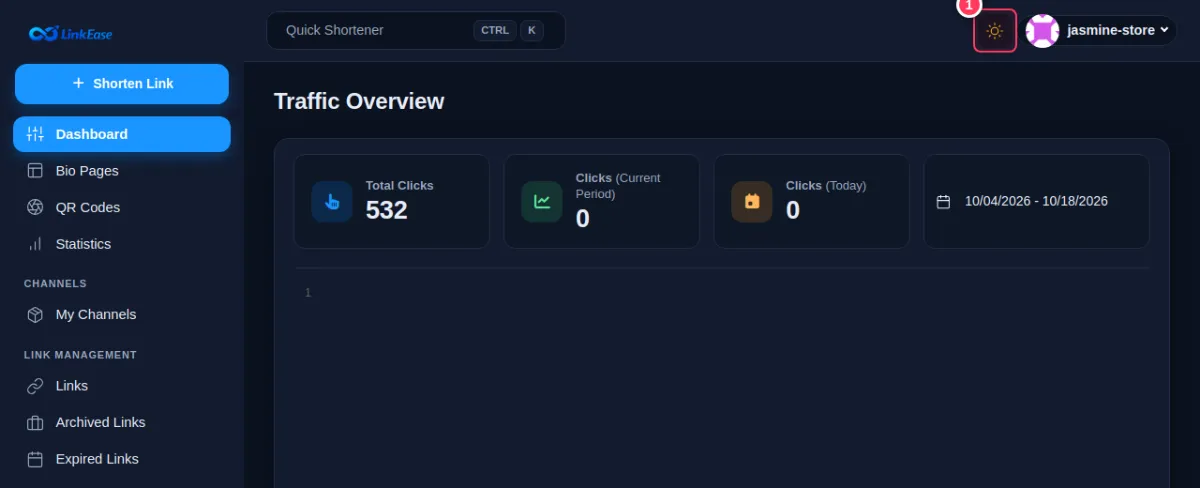
In the top bar press the moon icon (1). Press it again (the sun) to go back to light.

Tip. Your choice is remembered in this browser. On another device you choose again.