
A short, plain summary of the refund rules. The full text is on the Refund Policy page.
What you need
- Plan: Any paid purchase
- Time: 2 minutes
The rules
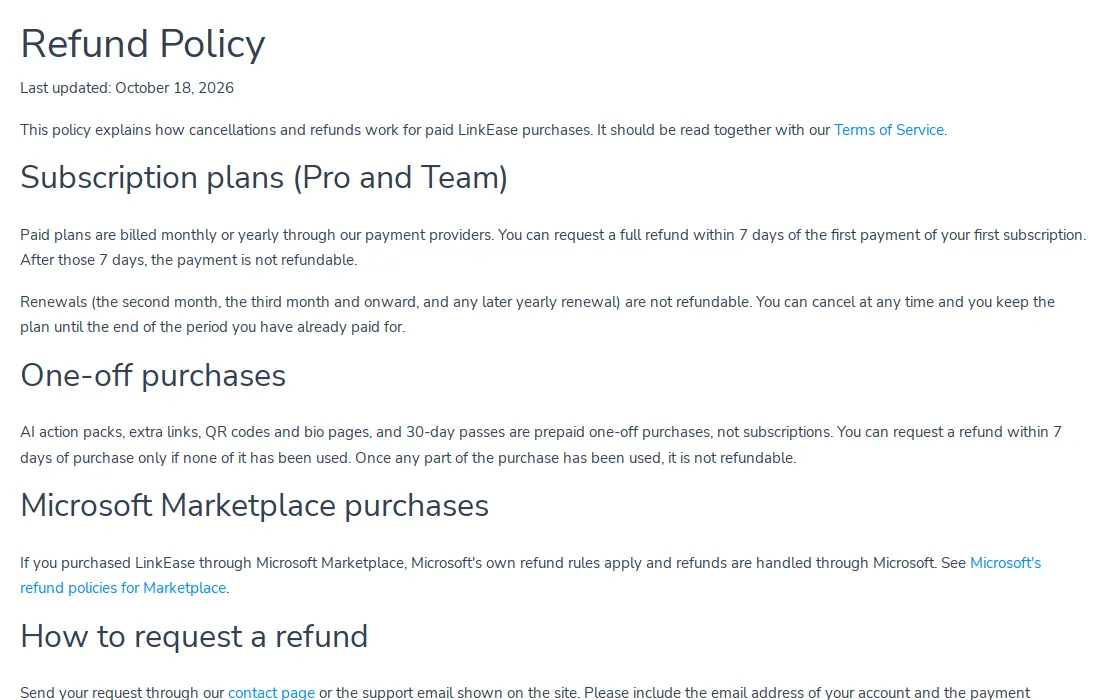
- Pro and Team: a full refund within 7 days of your first payment of your first subscription. After 7 days the payment is not refundable.
- Renewals (second month onwards, and any later yearly renewal) are not refundable.
- AI packs, extra links, QR codes, bio pages and 30-day passes: refundable within 7 days only if none of it has been used.
- Bought through Microsoft Marketplace: Microsoft's own rules apply and the refund goes through Microsoft.
Read the full policy
Open the Refund Policy page from the footer of the site.
Ask for a refund
Send your request from the Contact page or to [email protected]. Include the email of your account and your payment reference (the transaction ID from Billing).
Important. Ask within the 7 days. A purchase that is already used cannot be refunded.
Common problems
Where is my transaction ID?
In Billing, under Payment History. See how you are charged.